Available on the App Store

Your private space.
Totally secure.

Keep your photos and documents safe from prying eyes. Military-grade encryption, decoy vault, intruder detection — only you have the key.

AES-256 Encryption
100% On-Device
Zero Account Needed
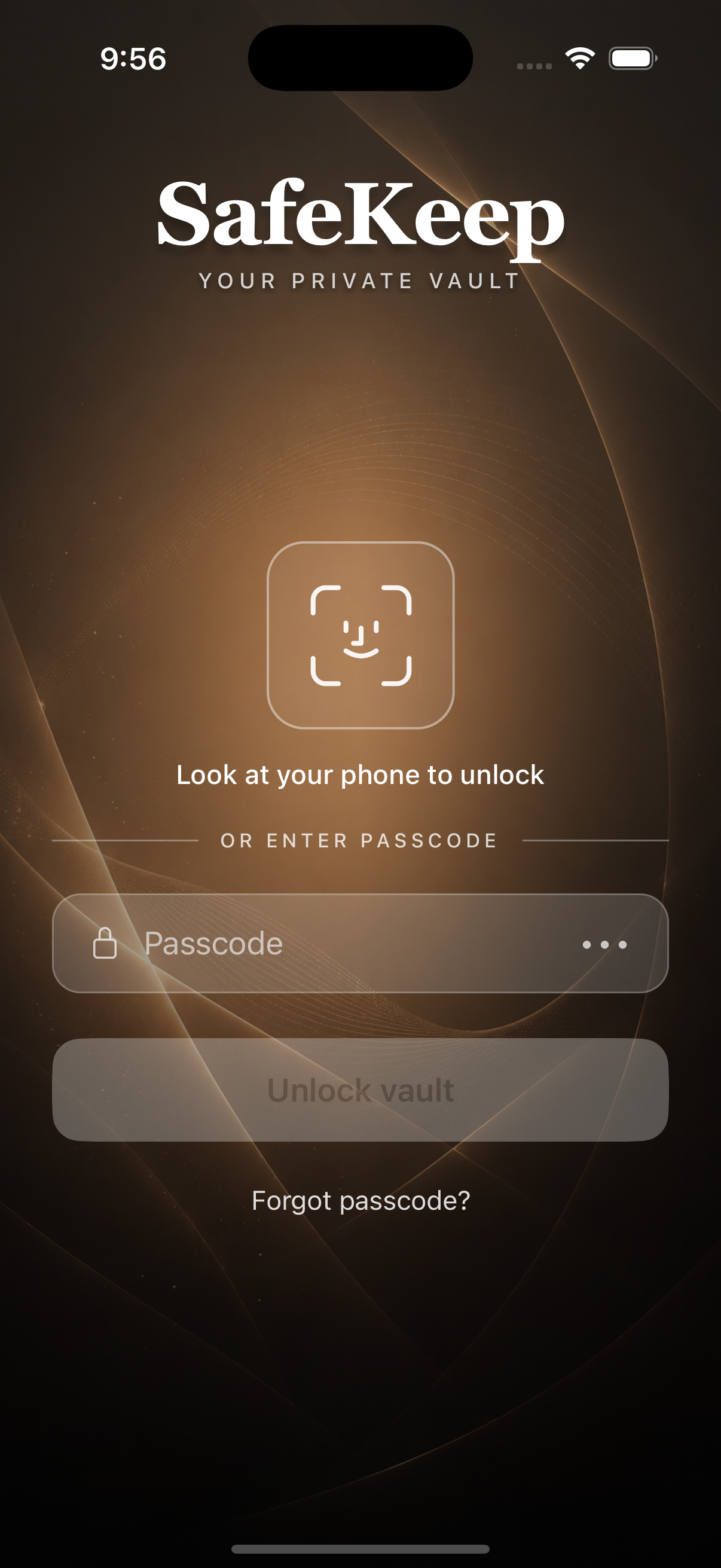
SafeKeep Lock Screen

Everything you need to stay private

SafeKeep combines military-grade security with an intuitive experience. Your data, your rules.

Encrypted Vault

All photos and documents are encrypted with AES-256 military-grade encryption. Your data is stored securely on your device.

Photos & Documents

Store photos, videos, PDFs, Word documents, and more. Organize everything in one secure vault with easy access.

Face ID & Fingerprint

Unlock your vault instantly with Face ID or Touch ID. Quick access without compromising security.

Premium

Decoy Vault

Anyone forced to unlock your phone sees a convincing fake vault. Your real files stay completely invisible.

Intruder Detection

Secretly captures a photo of anyone who enters the wrong password. Know exactly who tried to access your vault.

Premium

Emergency Action

Shake your phone to instantly switch to the decoy vault. Built for shoulder-surfing and coercion situations.

Premium

Auto-Lock

Automatically locks your vault when you step away. Choose from immediate, 30s, 1min, 5min, or never.

Privacy Blur

Blurs your screen when the app goes to the background. Prevents prying eyes from seeing your vault in the app switcher.

Auto-Wipe Protection

After 3 failed password attempts, all vault data is permanently deleted. Your secrets stay safe even if your phone is stolen.

Encrypt / Decrypt Files

Add an extra layer of encryption to individual files. Batch encrypt or decrypt multiple photos and documents at once.

Secure Sharing

Share files directly from the vault. Files are temporarily decrypted for sharing and automatically cleaned up afterward.

Premium

Backup & Restore

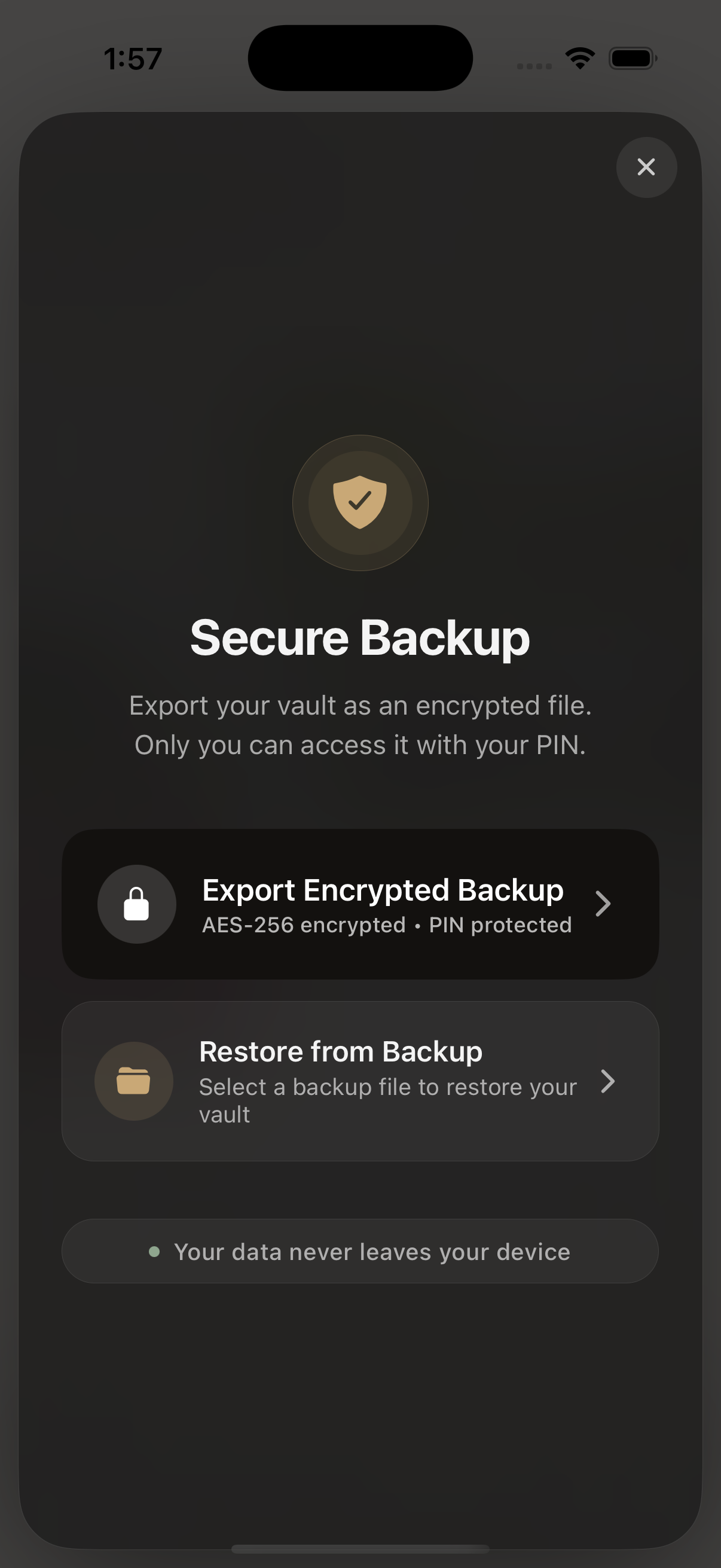
Create encrypted backups and restore your vault on any device. End-to-end encrypted so a lost phone never means lost files.

Guided Tutorials

Interactive step-by-step tutorials guide you through every feature. Replay them anytime from the Help section.

See SafeKeep in action

Every screen designed for privacy and ease of use.

SafeKeep Lock Screen

Secure Lock Screen

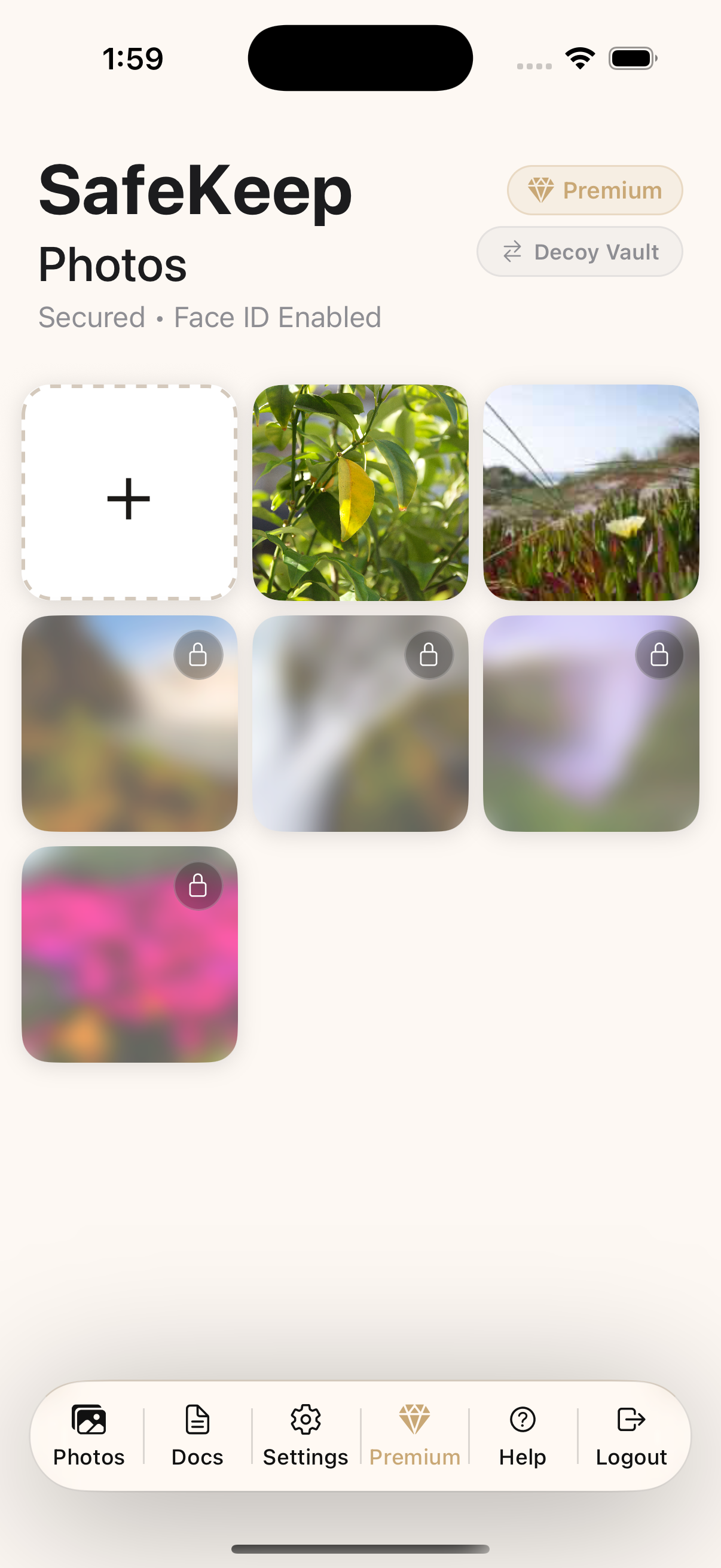
SafeKeep Photos Vault

Photo Vault

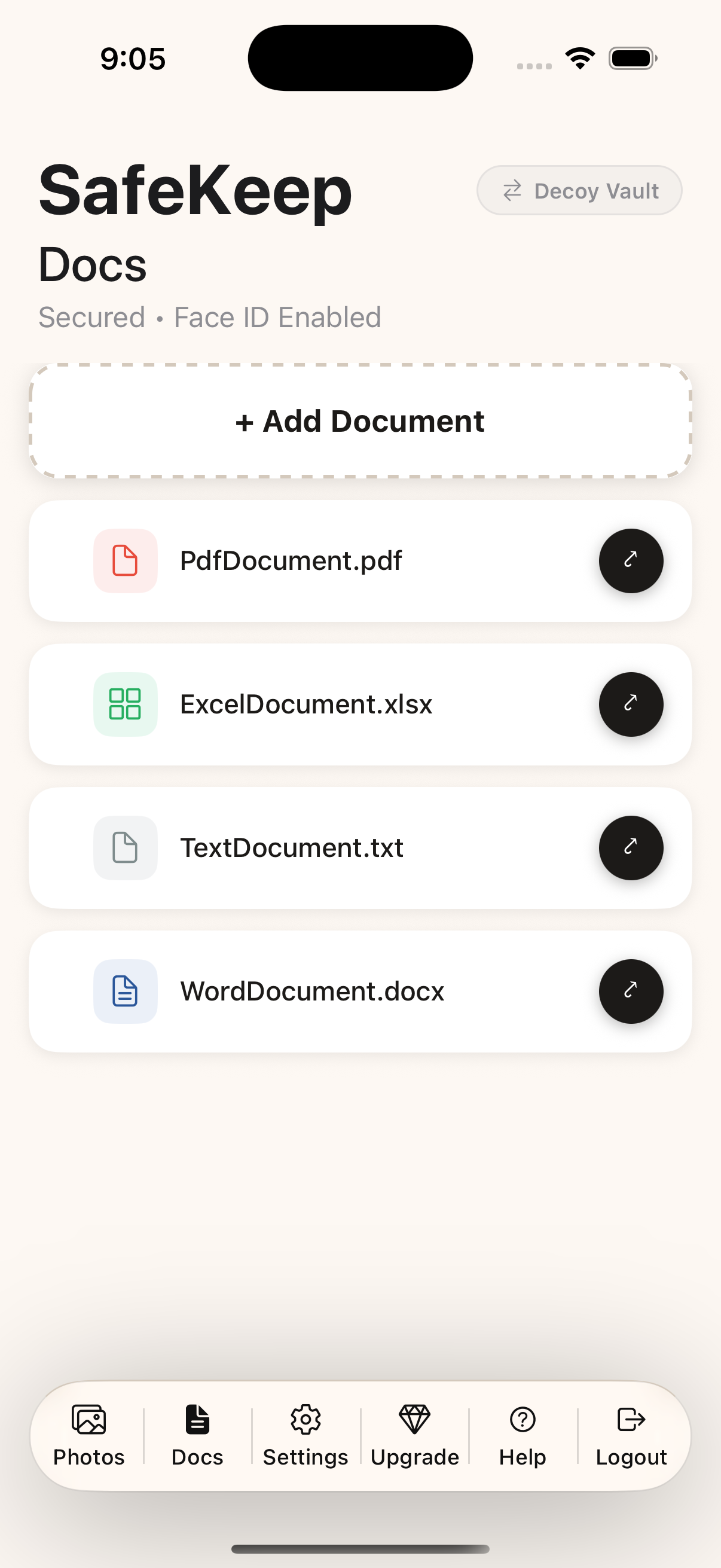
SafeKeep Dashboard

Document Vault

SafeKeep Backup & Restore

Backup & Restore

How SafeKeep works

Simple, secure, and always in your control.

1

Set Your Password

Create a strong master password. Your vault is encrypted with a key derived from your password.

2

Add Your Files

Import photos and documents from your gallery or files. They're encrypted instantly on your device.

3

Stay Protected

Enable biometrics, decoy vault, intruder detection, and more. Your vault adapts to your security needs.

SafeKeep Premium

Unlock every layer of protection. One-time payment, lifetime access.

💎

SafeKeep Premium

One-time Lifetime access
  • Decoy Vault — A convincing fake vault for coercion situations
  • Emergency Action — Shake to instantly hide your data
  • Auto-Lock — Customizable auto-lock timers
  • Encrypted Backup & Restore — Never lose your data
  • Unlimited Storage — No limits on photos or documents
Download SafeKeep

Secure payment via App Store · No subscription

Built on trust & transparency

Your privacy is not just a feature — it's the foundation.

🔐

AES-256 Encryption

All files are encrypted with the same standard governments and banks use.

📱

100% On-Device

Your data never leaves your device. No cloud uploads, no servers, no third parties.

🚫

No Account Required

No sign-ups, no emails, no tracking. Download and start protecting your privacy immediately.

🔄

Open About Data Use

We're transparent about what data we collect. SafeKeep collects no personal data — everything stays on your device.

Need help?

We're here to support you.

📖

In-App Help

Open the Help & Tutorial section inside SafeKeep for step-by-step guides on every feature.

📧

Contact Support

Have a question or issue? Reach out to us and we'll get back to you as soon as possible.

Contact Us →
📄

Privacy Policy

Read our detailed privacy policy to understand how we handle your data and protect your privacy.

View Privacy Policy →